
Live Chat Customer Support
Recently, I had a customer request for a live chat customer support to be deployed on their WordPress website. I haven’t messed with live chats in a while, and the last time I looked into live chat customer support plugins they weren’t very reliable, so I was interested to see what the latest technology would have as far as functionality / cost & time.
So after I’ve accomplished and completed the task I decided to put down the notes and the tools here in a blog post so maybe the readers can also get the knowledge from it. I decided to use WP Live Chat Support plugin by 3CX Live Chat is the easiest to use website live chat plugin.
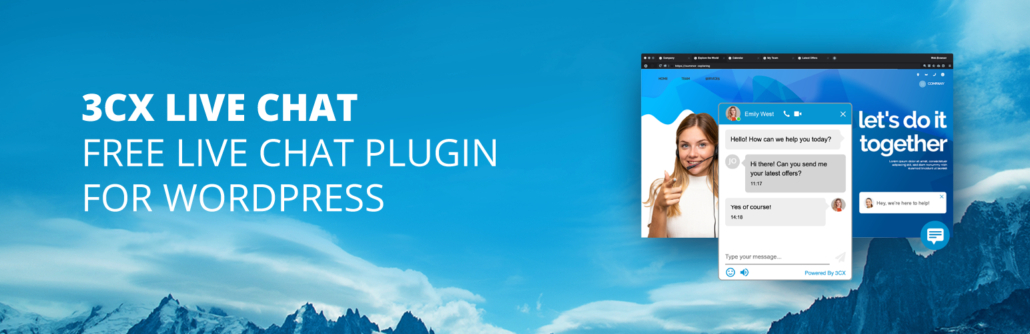
It was just a simple install and the customer form for chatting was up and available on the website.  They do have a pro version at a one-time cost of $39.99 for one website. It’s probably worth it if you plan on having a lot of traffic on the website or using the chat form often.
For any small business who just wants to offer chat on occasion, the free version of this plugin will work sufficiently. The only real downside, is you have to be logged in in order to operate the chat feature. If you’re not logged into the back end of the website, you won’t be able to capture the visitor on website and respond to them and the visitor will get a message that nobody is available to chat.
Luckily there is a WordPress app available in both markets that will allow you to be logged into the backend of your website and to operate the plug-in from there. So if you’re looking to add live chat customer support to your website, I found that this is the best way to do it.
This plug-in seems to have lots of support and is highly rated by the community. Of course these things can change anytime and we all know how relying on plugins is risky, especially if they’re not updated regularly. Offering customer live chat support will probably be best done with a custom written script if there’s enough traffic and revenue to justify the programming expense.
But we all know that for small business owners with the typical website this type of option will be the easiest for their developer to deploy and the most cost-efficient way to get live chat customer support up and running quickly. Even if only investing the $39.99 and paying your developer a couple hours to install this it’s totally worth it to have live chat customer support available to your customers in my opinion.
What do you think about this live chat plugin, have you been able to use it?
If it works well sound off in the comments and let me know what you like about it. Or, if you found a better plugin, also sound off in the comments and let me know about what a better plugin is to use.
Thanks for reading and I look forward to joining you on my next post!








Live chat customer support is one of the finest way to satisfy your customers.
I agree Mady! It’s nice for customers to be able to get answers immediately from a real person (: